
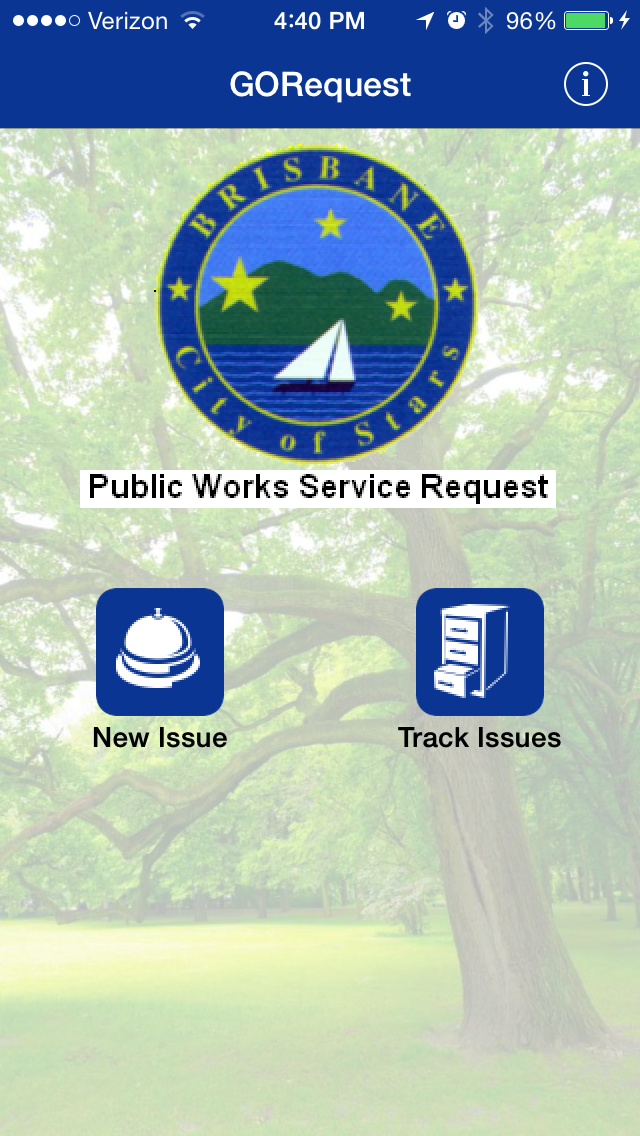
 Since November of 2011, the City has been accepting electronic service requests via vendor Government Outreach, which provides the ability for the public to do so on the computer [1] or via their smartphone and the app, GORequest. Last year, the City received 252 service requests via GORequest! This tutorial will cover how you also can submit service requests on your mobile device...and you'll see how easy it is.
- Download the GORequest free app in either the App Store (Apple) or Google Play Store (Android), depending on your device.
- When opning the app, click "Allow" to allow GORequest to access your location (this will save you from having to enter your location each time).
- Click "New Issue".
- Click "Add Photo" to take a picture of the issue you'd like to report (or select one already saved in your photo library).
- Click "Select Issue" and choose from the various options.
- Click "Add comments" to give a brief description of the issue.
- Click "Add contact information" - name, e-mail address, and phone number (this only needs to be entered the first time you submit a request).
- Click "Submit" in the top right-hand corner.
You're all done!
If you entered your e-mail address, you'll get a confirmation from "Brisbane" indicating that the City has received your service request. Once the issue has been resolved, you will receive a second notification. 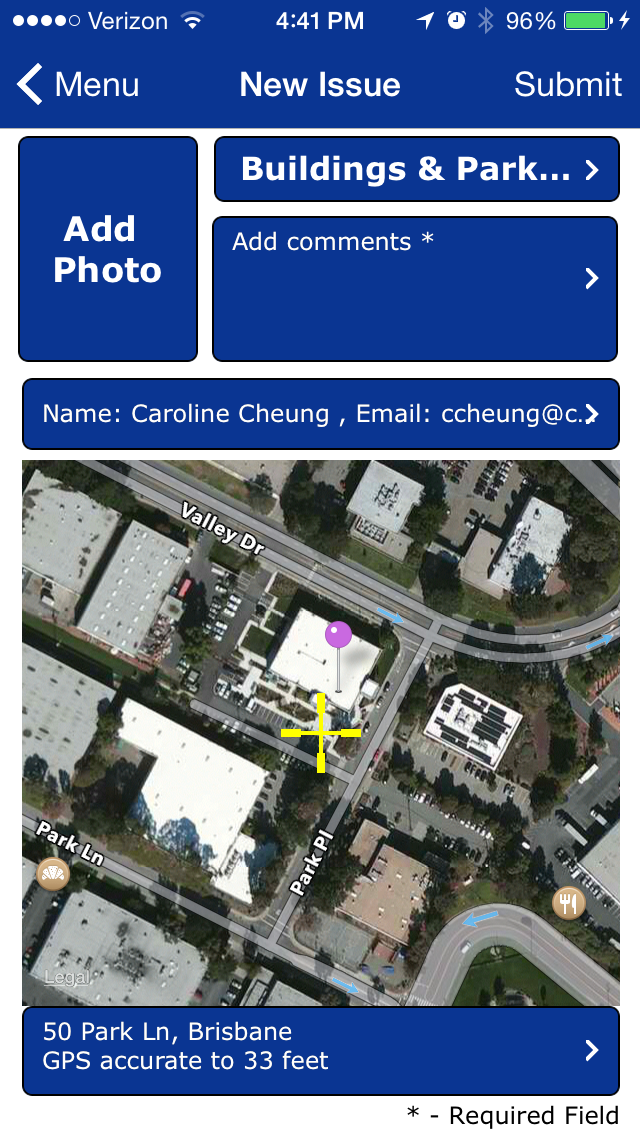
Thanks for your assistance in reporting what needs fixing around town and for using GORequest!